3 min read
How to use a coding agent on an open source issue
What an agent can do on your contribution, what stays with you, and how drift-ui sets agents up with AGENTS.md.
TL;DR
- Check the project’s AI policy first. Zig bans LLM use, and drift-ui allows agents.
- Point the agent at AGENTS.md and keep the decisions, like picking and claiming an issue, for yourself.
- Read the whole diff before you push, and answer review comments yourself.
On this page
A coding agent can read a repo, write a change and run the tests. It can’t answer for the pull request, so that part stays with you.
Maintainers notice when nobody did. In an October 2026 Linux Foundation study, an estimated 25% of incoming pull requests were low quality, and Hacktoberfest stopped counting pull requests in 2026 partly because AI tools made junk so easy to send.
Check the project’s rules first
Policies vary a lot. Zig bans LLM use across its repos and chat. drift-ui allows coding agents, and CONTRIBUTING.md asks you to review agent output the same way you would review your own code.
Read the contributing guide and code of conduct before you start. If neither mentions AI, ask on the issue.
Give the agent the project’s instructions
AGENTS.md is an open format for telling coding agents how a project works, like a README written for them. The Agentic AI Foundation stewards it under the Linux Foundation, and tools including Codex, Cursor, Gemini CLI and VS Code support it.
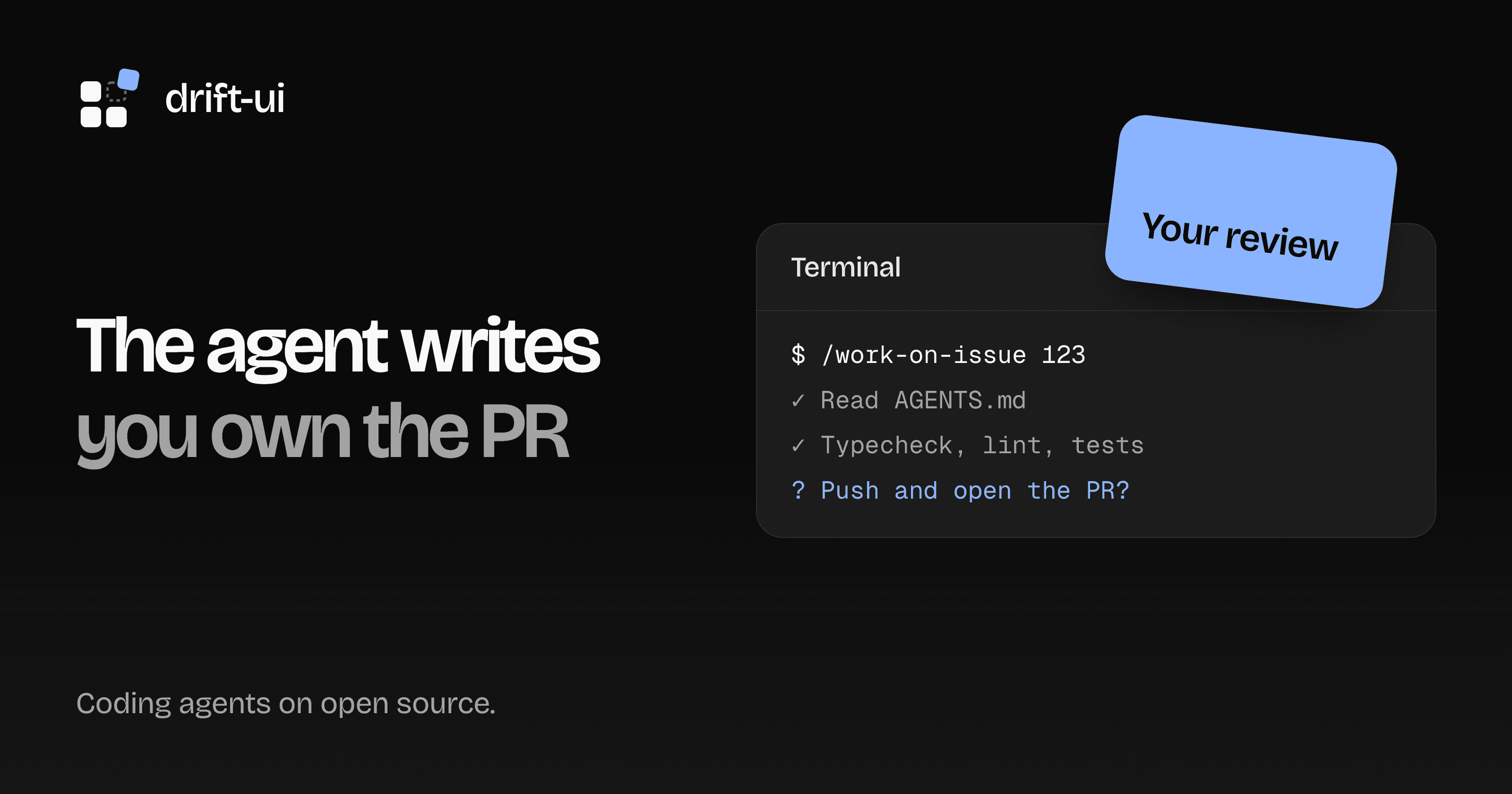
drift-ui’s file holds the commands, where each kind of file lives, the issue workflow, and the rules reviewers enforce. If your tool doesn’t load it on its own, tell the agent to read it first. In Claude Code, one command runs the workflow from start to finish:
/work-on-issue <number>Who does what
That workflow stops and asks you at each point that matters. Keep the same split with any agent.
| Stage | The agent | You |
|---|---|---|
| Choose | Lists open issues | Pick one you understand |
| Understand | Summarizes the ask, lists files and open questions | Check the summary against the issue and answer the questions |
| Claim | Asks before doing anything public | Decide, and comment on the issue |
| Implement | Reads similar code, writes the change and tests | Watch what it touches and stop it if it wanders |
| Verify | Runs typecheck, lint and tests | Run the app and try it, including with the keyboard |
| Open the pull request | Summarizes the diff and asks before pushing | Read every line, then approve the push |
Review it like your name is on it
Your name is on it. Before you push:
- Read the whole diff, not the agent’s summary of it.
- Break the code on purpose and confirm a test fails. A test that can’t fail proves nothing.
- Look for edits nobody asked for: renamed variables, reformatted files, a new dependency.
- Open the page in the browser. Tests don’t see a broken layout.
- Check that you can explain each change. If you can’t, ask the agent until you can, or cut it.
What stays with you
Answer review comments yourself. A reviewer who asks why you did something wants your reasoning, and a pasted reply wastes both your time. If the honest answer is that the agent chose it and you don’t know why, go and find out.
Work on one issue at a time, and tick only the checklist boxes for checks that really ran. Our template doesn’t ask, but saying you used an agent helps a reviewer know where to look.
Using drift-ui from an agent
Installing components is a separate job, and it has its own docs for agents. llms.txt lists the components, llms-full.txt adds props and usage examples, and the install section has a prompt you can copy into your agent.