4 min read
A college student’s guide to open source
A week-by-week plan that fits around classes and exams, plus student benefits, resume wording and the dates worth putting in your calendar.
TL;DR
- Two or three hours a week across one semester can get a pull request merged.
- Keep midterm weeks free, and if you can’t finish a claimed issue, say so on the issue.
- Claim your GitHub student benefits in week one.
- On your resume, link the merged pull request and say what changed.
On this page
You don’t need a free summer to start. Two or three hours a week across one semester can get a pull request merged, if you pick something small and start early.
This post covers the college side: planning around classes and exams, what your student status gets you, and how to put the work on a resume. For what open source is and how a pull request works, read our first guide.
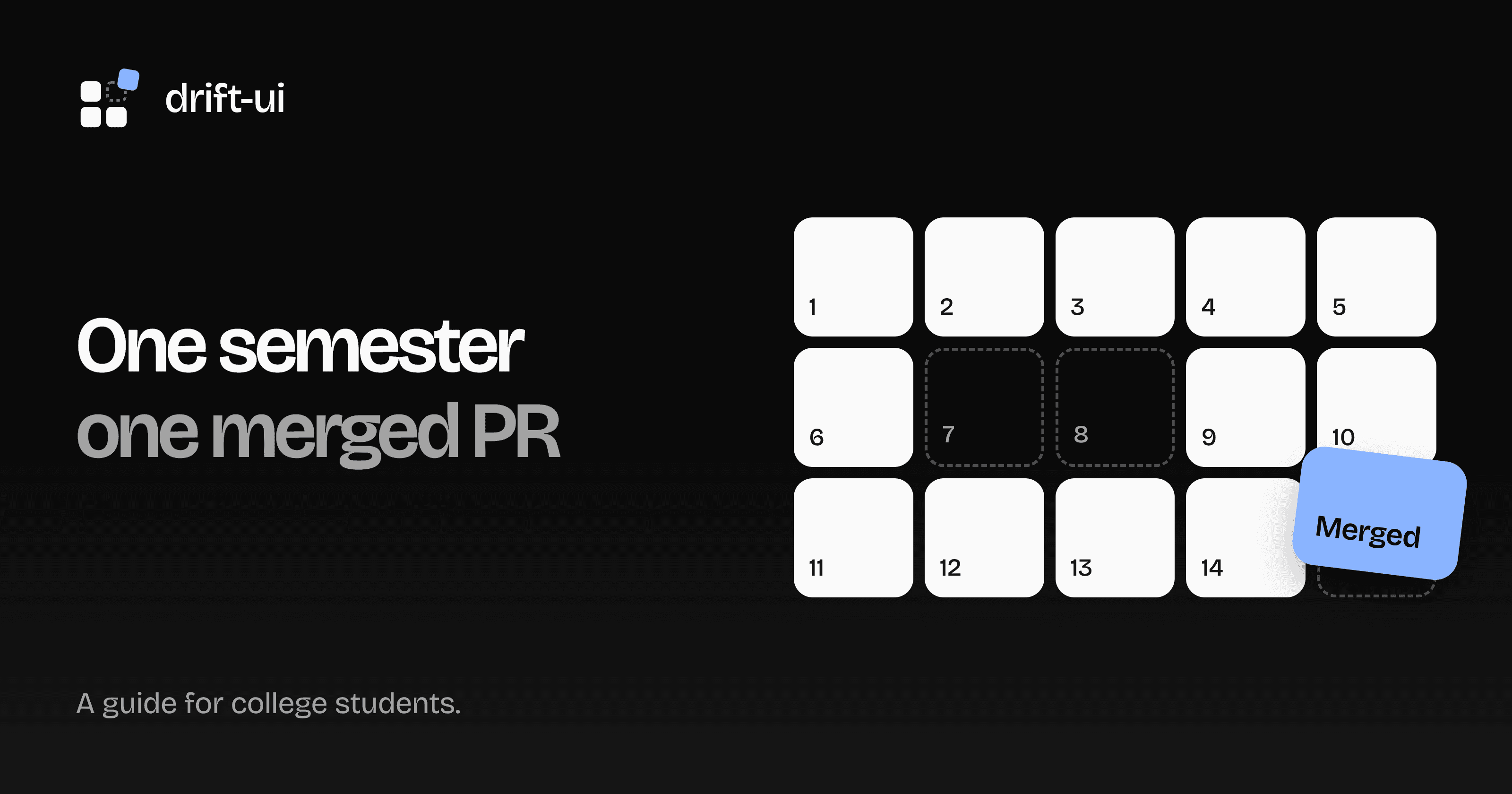
A plan for one semester
Move the weeks around your own calendar, but keep the free stretch. Everyone’s plan slips somewhere.
| Weeks | Do this | Done when |
|---|---|---|
| 1–2 | Set up Git, GitHub and your student benefits | You can push to a repo of your own |
| 3–4 | Pick one project and run it locally | Its tests pass on your machine |
| 5–6 | Send a docs fix or a small example | Your first pull request is open |
| 7–8 | Leave this free for midterms | Nothing due |
| 9–12 | Claim a small bug or feature | A pull request with a test is open |
| 13–14 | Answer the review and finish | It’s merged |
| After exams | Write down what you did | Your resume links to the pull request |
Claim your student benefits
Do this in week one. The GitHub Student Developer Pack includes free GitHub Pro while you’re a student, GitHub Copilot Student for verified students, and a free annual JetBrains subscription. Offers change, so check the page for the current list.
Pick a project you’ll stick with
Start with something you already use, in a language you’re already taking. A library from your coursework or side project is better than a famous repo, because you already know what it should do.
Before you commit, check three things: open issues labeled good first issue, a CONTRIBUTING.md, and pull requests that get replies within a week or two. Skip any repo whose main activity is people adding their names to a list.
When exams get in the way
They will. If you’ve claimed an issue and can’t finish, comment and say so. Nobody minds, and silence is what blocks the next person. Push what you have as a draft pull request, and someone can pick it up, or you can when you’re back.
Don’t claim a big issue the week before exams, and don’t start on a deadline. Maintainers review on their own time, so a pull request you need merged by Friday probably won’t be.
Do it with a friend or a club
Reading a friend’s diff before they open it is good practice, and you catch each other’s mistakes first. If your college has a coding club, run one session where everyone picks an issue and gets the project running together. Setup is the part most people quit at.
If you enjoy running those, GitHub Campus Experts is a program for students who build tech communities at their schools.
Keep coursework out of it
Don’t publish solutions to graded assignments, even with the names changed, and check your college’s rules before you use class work in a public repo. If you want open source to count toward a project or credit, ask your instructor before you start.
Put it on your resume
Link the merged pull request, and say what changed. “Contributed to open source” tells a recruiter nothing, while a link lets them read your code and the review. Replace this made-up example with what you really did:
One real pull request you can talk about in an interview beats ten typo fixes.
Dates for your calendar
Paid programs have fixed windows and you want a merged pull request before they open. Check each site for the coming year’s dates.
| Program | When | What to do before |
|---|---|---|
| Google Summer of Code | In 2026: organizations announced February 19, applications March 16–31, coding from May 25 | Start talking to an organization as soon as the list is out |
| Outreachy | Internships run May to August and December to March | Check if you’re eligible and watch for the next round |
| Hacktoberfest | Every October | Check the rules, since 2026 stopped counting pull requests |
Where to start this week
Claim your student benefits, then pick a project. drift-ui is built to take first-timers: browse the good first issues or say hello on Discord.